

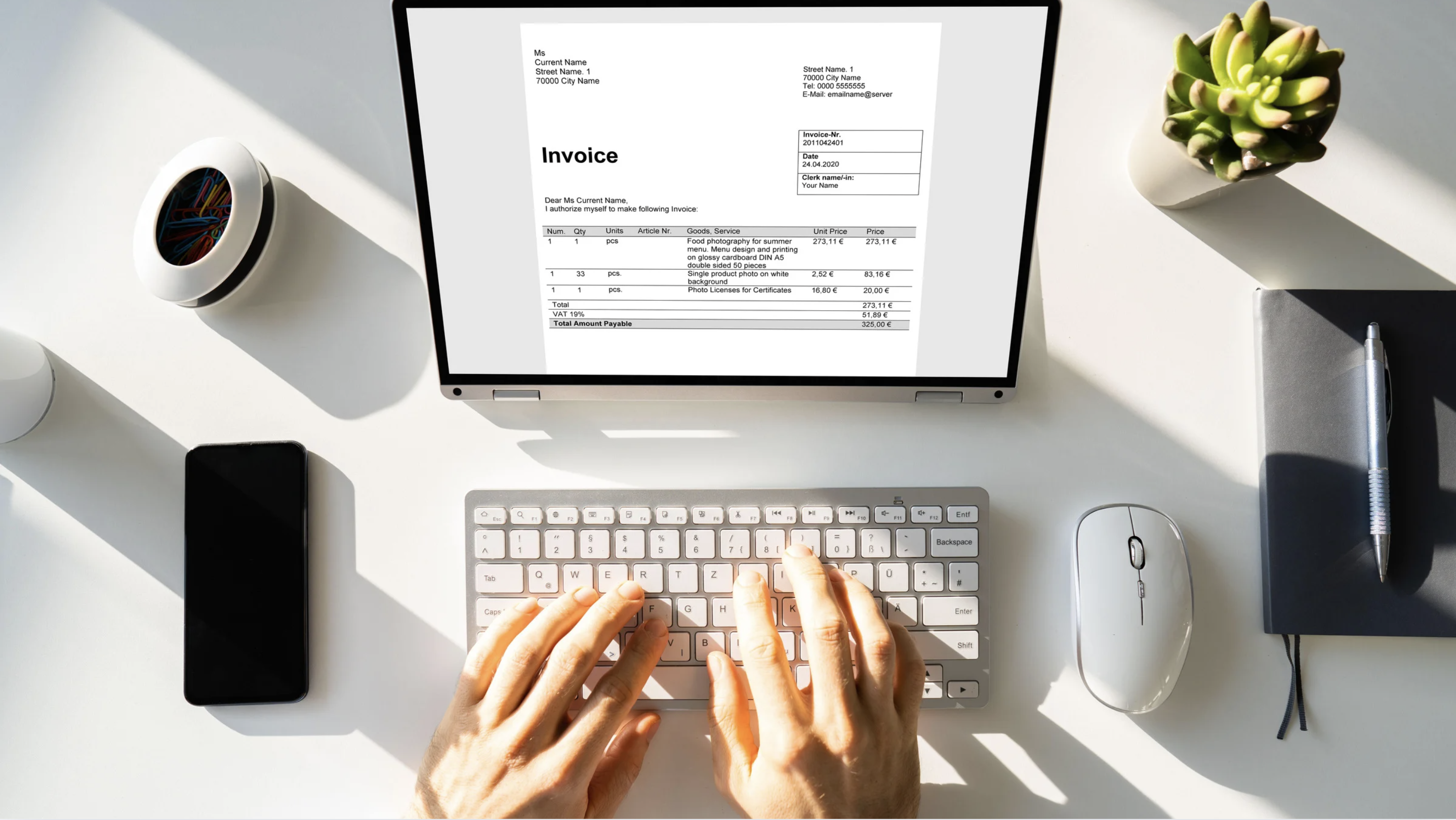
How to Activate E-Way Bill in Tally ERP 9: Step-by-Step Guide for Businesses
Introduction
An e-way bill is a mandatory electronic document under GST that must be generated for the movement of goods above a specified value across states or within a state. It ensures tax compliance, transparency, and real-time tracking of goods in transit. For businesses using Tally ERP 9, integrating e-way bill generation directly into the software simplifies compliance and reduces the chance of errors associated with manual entry or external portals
An e-way bill is a mandatory electronic document under GST that must be generated for the movement of goods above a specified value across states or within a state. It ensures tax compliance, transparency, and real-time tracking of goods in transit. For businesses using Tally ERP 9, integrating e-way bill generation directly into the software simplifies compliance and reduces the chance of errors associated with manual entry or external portals.
Industries such as manufacturing, trading, logistics, and distribution deal with multiple shipments daily, and manually generating e-way bills can be time-consuming and prone to mistakes. By activating e-way bill features in Tally ERP 9, businesses can link invoices directly to e-way bills, ensuring seamless integration of GST reporting, invoicing, and accounting processes. Professional services like Tally customization and automation can further enhance efficiency, automating repetitive entries and enabling faster, error-free compliance for large-scale operations.
Importance of Activating E-Way Bill in Tally
Activating e-way bill in Tally ERP 9 is critical for businesses to maintain GST compliance and avoid legal penalties. Companies transporting goods across states or even within state boundaries must generate e-way bills to comply with GST rules. Without activation, businesses risk fines, delays in dispatch, and disruptions in supply chain operations.
Beyond compliance, activating e-way bill improves operational efficiency. It allows real-time tracking of shipments, accurate reconciliation of invoices, and streamlined documentation for logistics teams. Businesses in regions with heavy GST transactions, such as Maharashtra, Karnataka, and Gujarat, benefit significantly from this feature. Moreover, professional Tally ERP 9 services can assist businesses in activating, configuring, and automating e-way bill generation, reducing manual errors and saving valuable time. This ensures a smoother workflow from invoice creation to goods dispatch, enhancing overall productivity and accountability.
Prerequisites for Generating E-Way Bill in Tally ERP 9
Before you can generate an e-way bill in Tally ERP 9, certain prerequisites must be met to ensure accurate compliance. First, your company must have a valid GST registration number configured in Tally. Next, master data such as customer and supplier details, item details, HSN codes, and transportation information must be accurately maintained. Finally, ensure that GST features are enabled in Tally ERP 9 and that your software version supports e-way bill generation.
For businesses handling high volumes of shipments—such as manufacturers, distributors, and trading companies—manual setup can be challenging and prone to errors. Professional Tally customization and automation services help companies verify master data, set defaults for transporters, and streamline recurring entries. This ensures that all prerequisites are correctly configured, reducing compliance risks and improving efficiency in daily business operations.
Step-by-Step Guide to Activate E-Way Bill in Tally ERP 9
Activating e-way bill in Tally ERP 9 is simple and can be done through the following steps: Navigate to Gateway of Tally → F11: Features → Statutory & Taxation → Enable GST → Enable E-Way Bill. Once enabled, configure default transporter details, mode of transport, and document numbers. You can also set preferences for automatic inclusion of invoice details in e-way bills.
For businesses with frequent shipments or multi-location operations, manually entering these details can be time-consuming. Leveraging professional Tally ERP 9 automation and customization services allows for automated population of transporter details, invoice integration, and batch e-way bill generation. This reduces errors, saves time, and ensures that all e-way bills comply with GST regulations, enabling smoother logistics and dispatch operations.
How to Generate and Manage E-Way Bills in Tally ERP 9
Once e-way bill is activated, businesses can easily generate and manage bills for both outward and inward movement of goods. Tally ERP 9 allows you to create e-way bills directly from invoices, reducing duplication of data entry. Users can monitor the status of each e-way bill—whether pending, approved, or canceled—and ensure that shipments comply with GST rules.
For companies dealing with large volumes of shipments, such as manufacturers, traders, or logistics providers, professional Tally customization services can automate the generation of multiple e-way bills in bulk, integrate them with GST returns, and generate comprehensive reports. This not only saves time but also minimizes errors, helping businesses maintain compliance and operational efficiency across all branches and transport routes.
Common Errors and How to Avoid Them
Even with Tally ERP 9, businesses may face errors when generating e-way bills if master data or configurations are incorrect. Common mistakes include:
- Invalid GSTIN entries for customers or suppliers.
- Mismatched invoice values between Tally and the GST portal.
- Missing transporter details such as vehicle number or transport mode.
- Incorrect invoice types or incorrect document references.
To prevent these errors, companies can leverage professional Tally customization and support services. These services validate master data, automate repetitive entries, integrate invoices with e-way bill generation, and provide real-time compliance checks. This ensures businesses avoid penalties, streamline dispatch processes, and maintain a smooth workflow for goods movement.
Advantages of Using E-Way Bill in Tally ERP 9
Activating and using e-way bills in Tally ERP 9 provides multiple benefits for businesses, especially those involved in manufacturing, trading, and logistics. First, it ensures GST compliance, helping companies avoid fines or legal penalties for non-compliance. Second, e-way bills allow real-time tracking of goods, providing transparency and accountability for all shipments.
Operational efficiency is greatly enhanced, as invoices and shipment details are automatically linked, reducing manual work and errors. Businesses can also generate detailed reports, reconcile invoices with e-way bills, and monitor shipment status across multiple locations. Professional Tally customization and automation services can further improve efficiency by integrating e-way bill processes with ERP systems, automating bulk generation, and ensuring accurate compliance with GST rules.
Conclusion
Activating e-way bill in Tally ERP 9 is crucial for businesses that want efficient, error-free, and GST-compliant goods movement. It simplifies invoice tracking, ensures legal compliance, and streamlines dispatch operations, saving both time and resources.
For companies managing large-scale shipments or multi-location operations, Nakshatra Solutions offers professional services like Tally ERP 9 customization and support which can automate e-way bill generation, integrate it with invoices and GST returns, and provide real-time reporting dashboards. Implementing these solutions not only improves operational efficiency but also enhances transparency and accountability, making e-way bill activation a critical step for businesses relying on Tally ERP 9 for daily accounting and logistics management.
.svg)





